
Securement Patch Testing
What Does “72 Hours” Mean in a Securement Patch Test Report?
When you see a duration in a test report, identify the test it belongs to. Review the sample, test conditions, and results together to understand what that duration tells you.
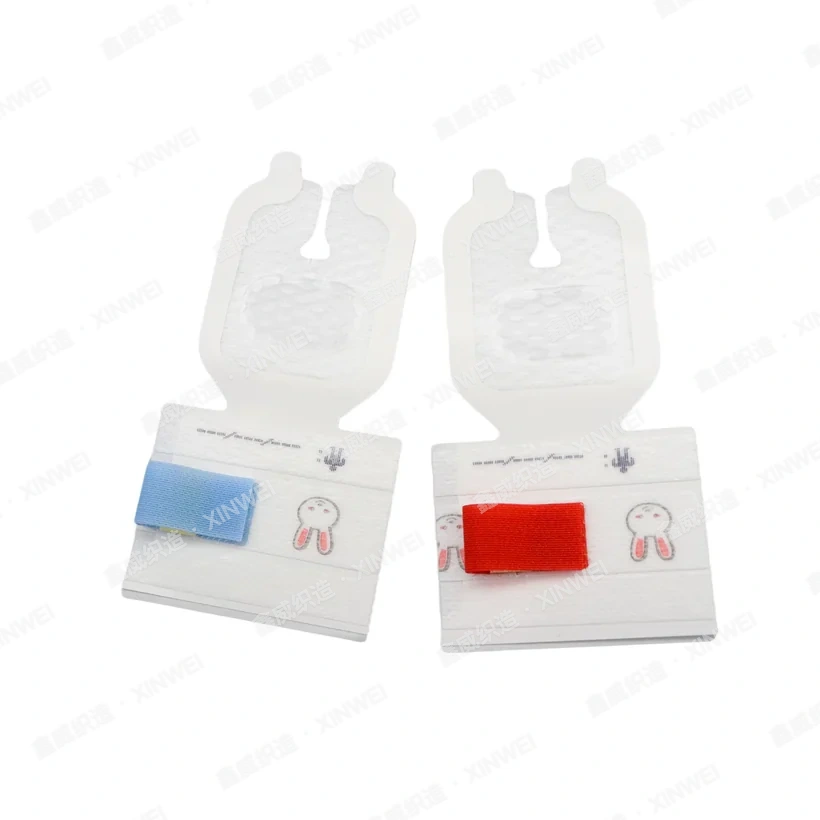
Identify the Tested Model
Check the sample name, model, and specifications on the first page. If your order changes the size, adhesive, or backing material, ask the supplier whether the report still applies or the new sample needs separate testing.
Find the Test Associated with the Duration
Check whether “72 hours” appears in the method, results, or acceptance criteria. It may be the observation endpoint or the recorded time to failure. In a constant-load holding power test, for example, the load acts along the bonded surface. Interpret the reading alongside the test substrate, load, and other conditions.
Read How the Result Was Recorded
If a report states that the sample was still attached at 72 hours, it held until that observation point under the stated conditions. Before comparing reports, check that the methods, observation periods, and acceptance criteria match. For actual use duration, refer to the instructions for the model.
What to Include When Requesting a Report
Provide the model number or a sample photo and specify the test result you need to verify. When you receive the report, compare the sample details, method, and results.
Test method reference ASTM D3654 shear adhesion testing for pressure-sensitive tape
View Xinwei Securement Patch Test Information